About Us
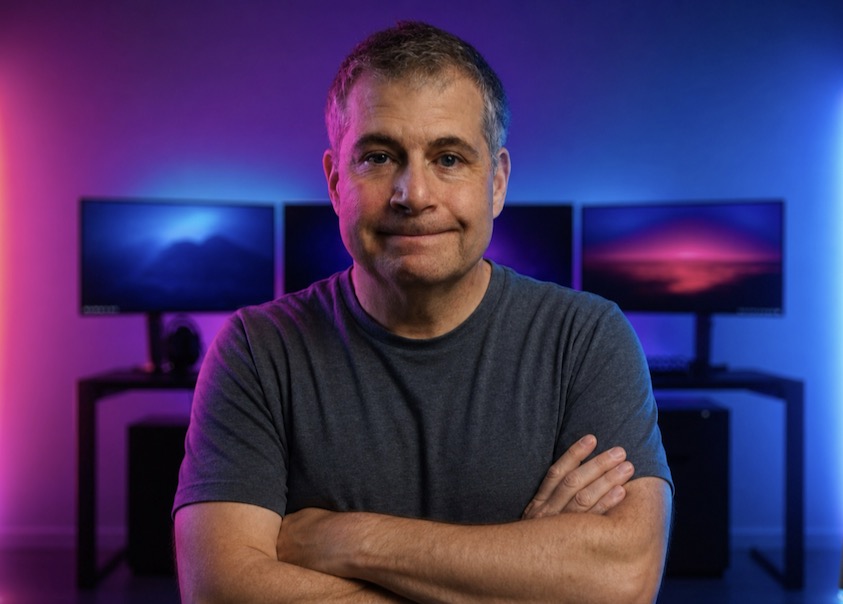
Hi, I'm David.
I made TalkOver because the teleprompters I used never quite worked the way I needed them to.
I've spent more than two decades in technology media, running magazines, websites, and training programs. Today I run two YouTube channels, where teleprompters are as much a part of the work as a camera or microphone.
They used to be for trade-show presentations and training videos. Now they are for long days staring into a screen, recording videos, giving demos, and staying present on calls.
I could not find the teleprompter I wanted.
Most teleprompter apps either scroll automatically, somehow always too fast or too slow, or make you scroll manually. I hate both. A few newer tools listen to your voice and scroll with you, but they charge monthly subscriptions and send your work to the cloud.
So I made TalkOver. It started as a passion project just for me, but friends who saw it said it could be useful for other people too. I brought in a programmer friend, a healthy dose of ChatGPT and Claude, and we started developing it together.
At first it was basic. Then we kept testing it and saying, “It would be great if this could…” The project grew into more than a prompter.
Built around how people actually record.
I used to use the Elgato Prompter and Prompter XL. For my own channel, I now use a 16-inch portable display in a traditional split-beam teleprompter. TalkOver gives me voice following, so the prompt keeps pace as I speak instead of forcing me to chase a timer or a scroll wheel.
But a traditional prompter does not help when a video needs a screen demo. I used to read the opening lines, turn the teleprompter off, and then start rambling through the demonstration. It also cannot help much during a video conference, when looking at a display is how you make eye contact with the people on the call.
That is why we added Hover mode: a transparent prompt that stays on top while you use your Mac. Then came Perch, a small prompt window that sits just under a Mac camera notch or a webcam, so your eyes stay close to the lens while you read.
It took seven months of testing, revising, and adding the features that made TalkOver feel complete enough to ship. We are still improving it.
One purchase. No subscription.
My favorite web-based teleprompter tool cost $15 a month: $180 a year for voice-following prompting. Worse, it required putting scripts in the cloud. Subscriptions were right out for TalkOver.
Buy Version 1 once and it is yours to use forever. Every 1.x update is included. When Version 2 arrives, Version 1 owners will receive a substantial upgrade discount.
Privacy means we cannot see your work.
TalkOver does not upload your scripts, speech, microphone input, camera recordings, or reading history. There is no TalkOver cloud library and no account required for the app. Your work stays on your Mac.
Payhip may provide the limited order details needed to fulfill a purchase. We do not sell or share that information for marketing. We only receive information directly from you when you send a support email, report a bug, or make a feature request, and use it only to respond or resolve the issue.
I hope you love what we made for you, and for me. If you do, or if you need help, write to support@talkoverapp.com.
David Schloss
View my channels
Dave Tries ThisProduct reviewsAgent BalticAI techniques and news for the solo creator
Built for privacy
Your scripts, speech, and recordings stay on your Mac.
TalkOver does not upload your scripts, microphone input, camera recordings, or reading history. Read the complete policy for the limited order details Payhip may provide and how we handle support requests.